
01
Real-time Stock Tracking
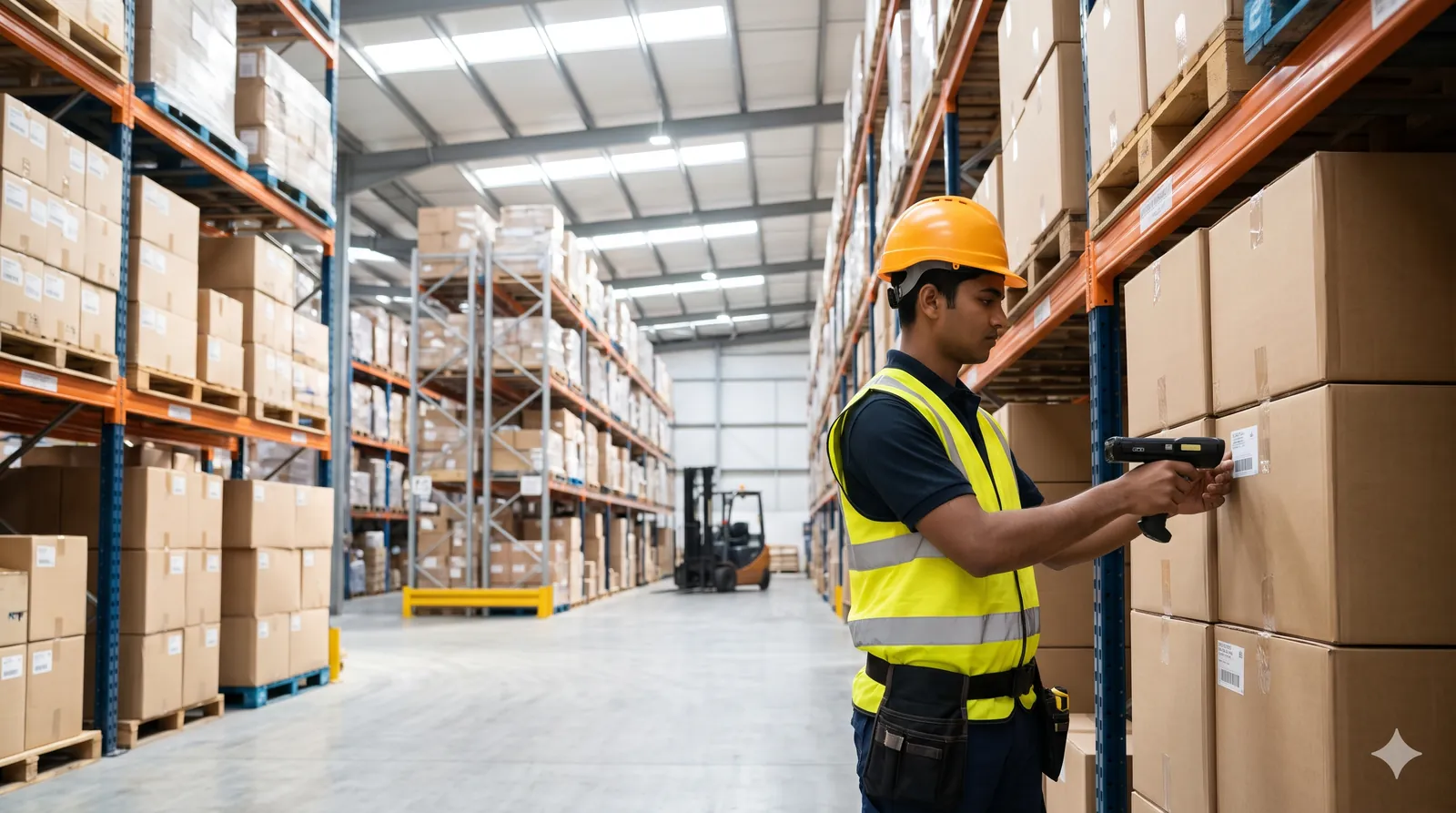
Monitor stock levels across all locations with live updates as items move in and out.
Stock & Warehouse
In productionReal-time stock tracking, barcode and QR scanning and multi-warehouse control in one system, so the number on the screen matches the shelf.
How It Works
Stock data flows from your warehouse floor to your dashboard as it moves.
Key Features
Everything you need to manage inventory with precision and speed.
Monitor stock levels across all locations with live updates as items move in and out.
Speed up receiving, picking and dispatch with integrated barcode and QR code scanning.
Manage stock across multiple warehouses and locations from a single dashboard.
Automatic alerts when stock falls below the thresholds you set, before it becomes a stockout.
Create, track and approve purchase orders digitally instead of on paper and phone calls.
A complete record of every stock movement, with detailed inventory reports on demand.
Who It's For
The teams that get the most out of Inventory Management usually look like one of these.
Several godowns, fast-moving SKUs and stock that has to be right before the truck leaves.
Raw material, WIP and finished goods tracked against the same item master.
Store-level stock visible centrally, with transfers instead of emergency orders.
Working With Us
The same engineers who build our products deploy and support them.
We start with a session on your actual process and a sample of your real data, not a slide deck.
Fields, workflows, roles and reports are set up to match how your team already works.
One team or site goes live first; the rest follow once it has proved itself.
The engineers who wrote it handle your support tickets and change requests.
Related Products
Tell us how the work is done today. We will show you what Inventory Management changes, and be straight with you if it is not the right fit.